
50 Pack Gold Rimmed Plastic Cups (12 oz)
Clear, elegant disposable tumblers with a gold rim — a clean canvas for groom face stickers at bachelorette, bridal and birthday parties.
5 min read
Nothing gets a bachelorette party laughing faster than the groom's face on every cup. Groom face stickers, cutouts and props are a classic bride-tribe tradition, and you can make a full set at home in about an hour. The face cutout is free; you only need sticker paper, cups and a printer.
Affiliate Disclosure: This guide includes Amazon affiliate links. As an Amazon Associate, we earn from qualifying purchases at no extra cost to you.
Original photo

FaceConfetti cutout

Pick a sharp, front-facing photo of the groom — a big smile works best. Open FaceConfetti and drop it in. Everything runs in your browser, so it's free, needs no account, and the photo never leaves your device (handy if you're keeping it a surprise).
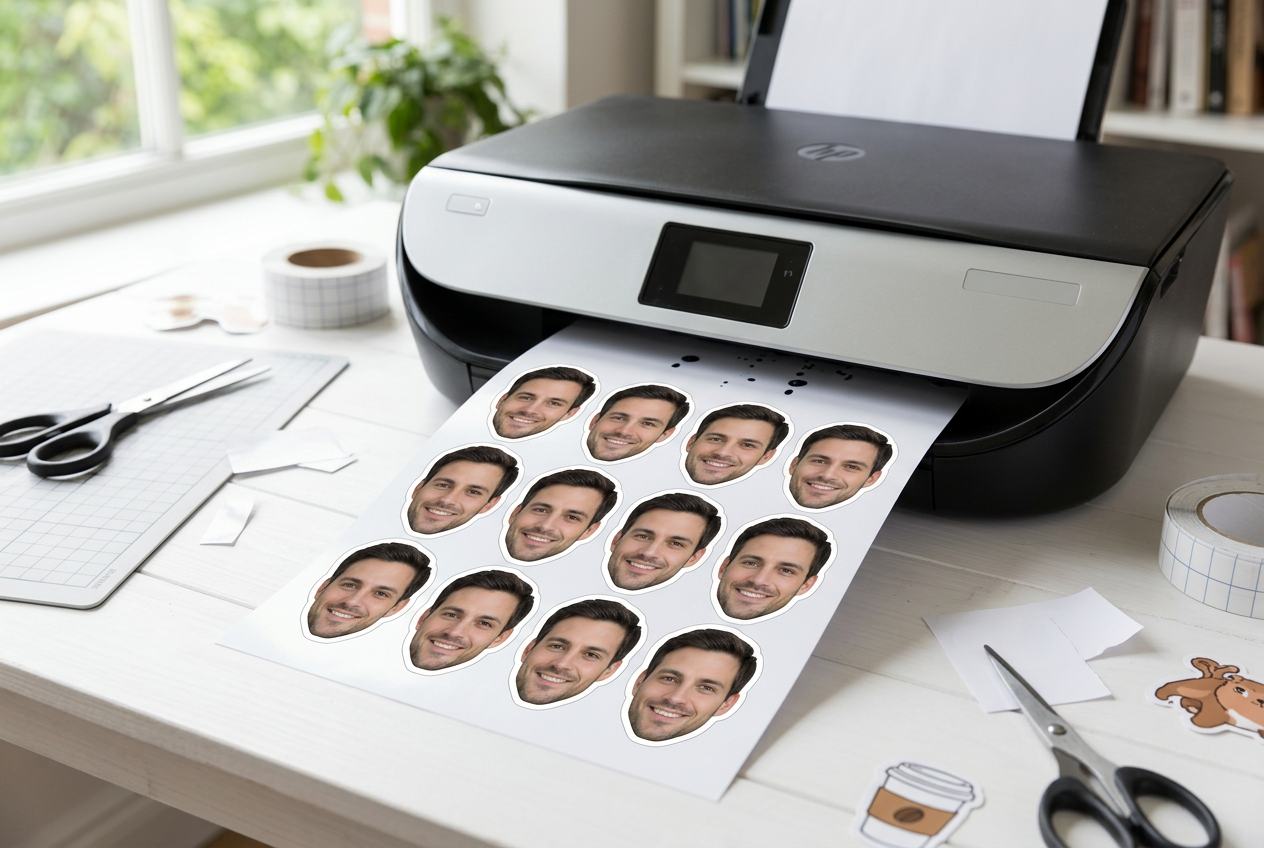
Place 9–12 copies of the PNG on a Letter page in any document or design app. About 2–2.5 inches wide fits a standard 12 oz party cup. Print a plain-paper test first to check the size.
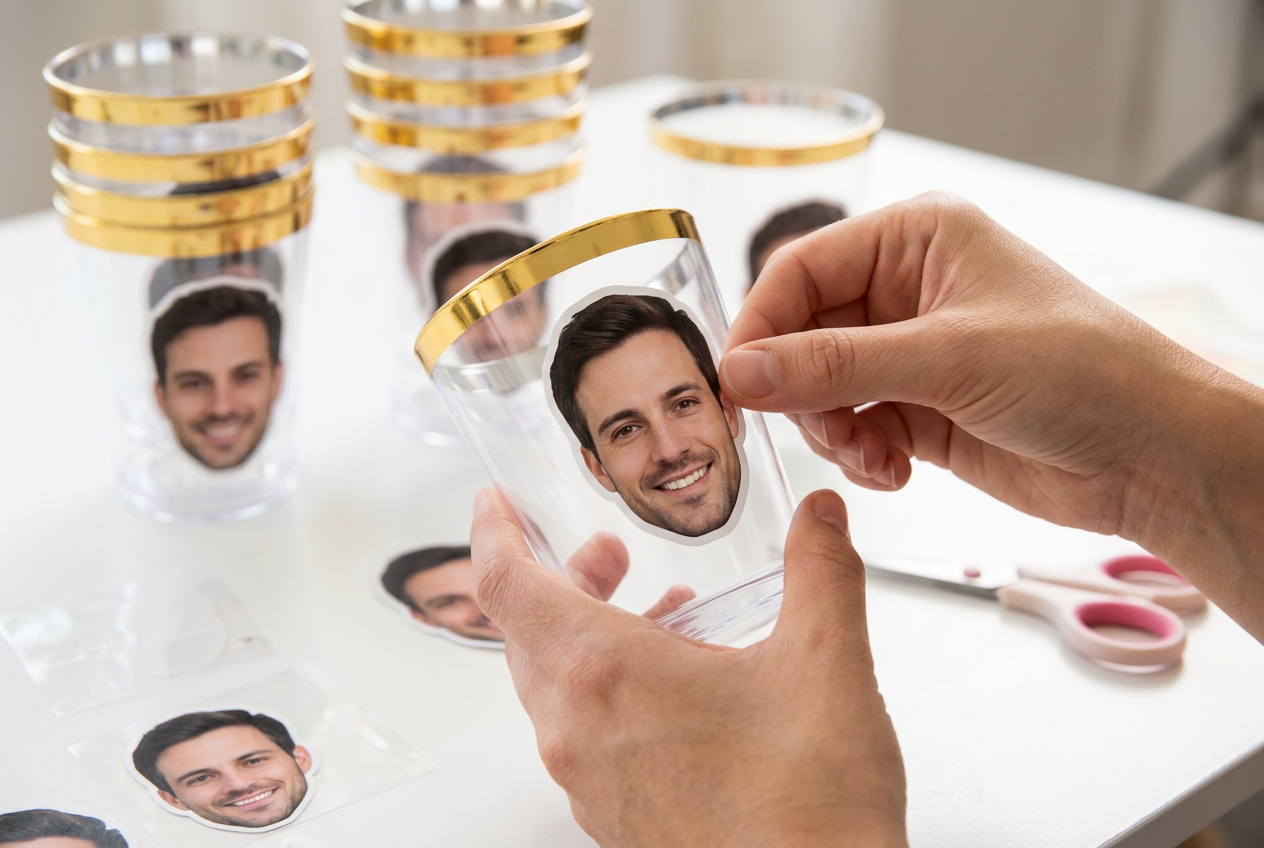
Print a few larger copies for extras: a giant "big head" on a stick for photos, mini faces taped to straws, or a face garland behind the bride. Stick a larger print to cardstock or foam board before trimming so it stays stiff.
Set out the cups, hand out the props, and let the bride tribe toast to the groom — in spirit.

Free, private, and done in seconds — right in your browser.
Amazon affiliate recommendations
Clear, elegant disposable tumblers with a gold rim — a clean canvas for groom face stickers at bachelorette, bridal and birthday parties.
50 matte 8.5x11" sheets for inkjet printers. Waterproof, quick-drying and compatible with cutting machines — ideal for stickers on cold drinks.
Affiliate Disclosure: As an Amazon Associate, we earn from qualifying purchases at no extra cost to you.